
How to Create a WordPress Website (Beginner-Friendly Guide)
Creating your own website might sound complicated, but with WordPress, it’s surprisingly simple—even if you have no technical experience. Whether you’re starting a blog, portfolio, or business site, this step-by-step guide will walk you through the entire process
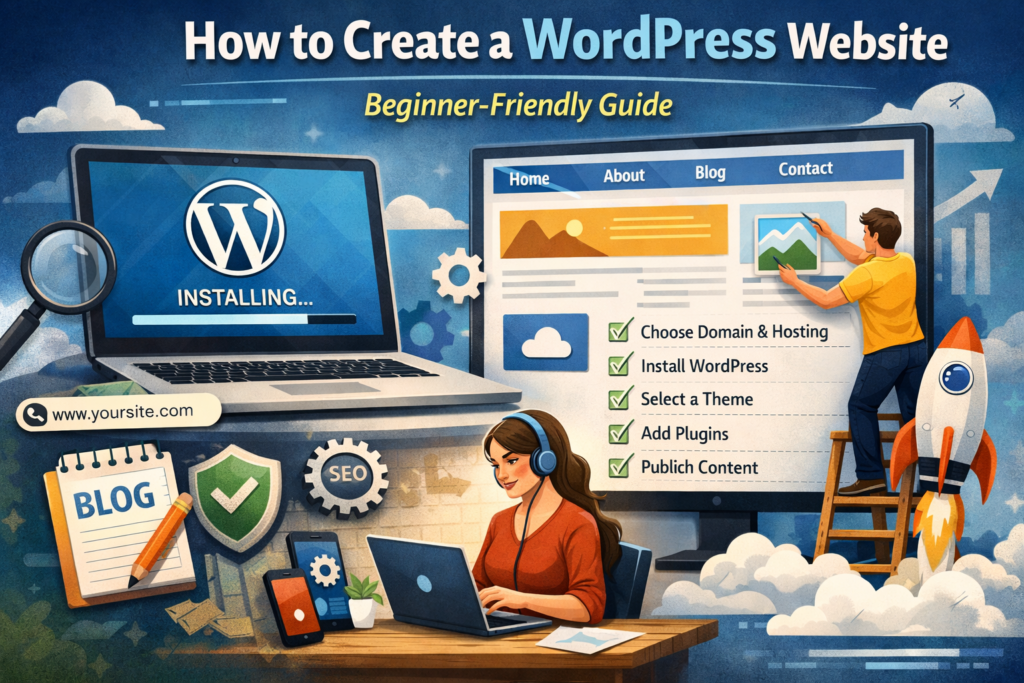
tips
Understand What WordPress Is
WordPress is a content management system (CMS) that lets you build and manage websites without needing to code. It powers millions of websites worldwide because it’s flexible, customizable, and beginner-friendly.
There are two versions:
WordPress.com – Hosted platform (simpler, but limited control)
WordPress.org – Self-hosted (more control and flexibility)
👉 For full control, we recommend using WordPress.org.
- Choose a Domain Name and Hosting
Domain Name
Your domain name is your website’s address (e.g., www.yoursite.com). Choose something:
Short and memorable
Relevant to your content or brand
Easy to spell
Web Hosting
Hosting is where your website lives online. Popular hosting providers include:
Bluehost
SiteGround
Hostinger
Most hosting providers offer one-click WordPress installation, making setup very easy.
Final Thoughts
Creating a WordPress website is easier than ever. With the right tools and a bit of practice, you can build a professional-looking site in just a few hours. The key is to start simple and improve over time.
Pro Tip: Don’t aim for perfection at the start—launch your site and refine it as you grow.